Product installation and power on/off:
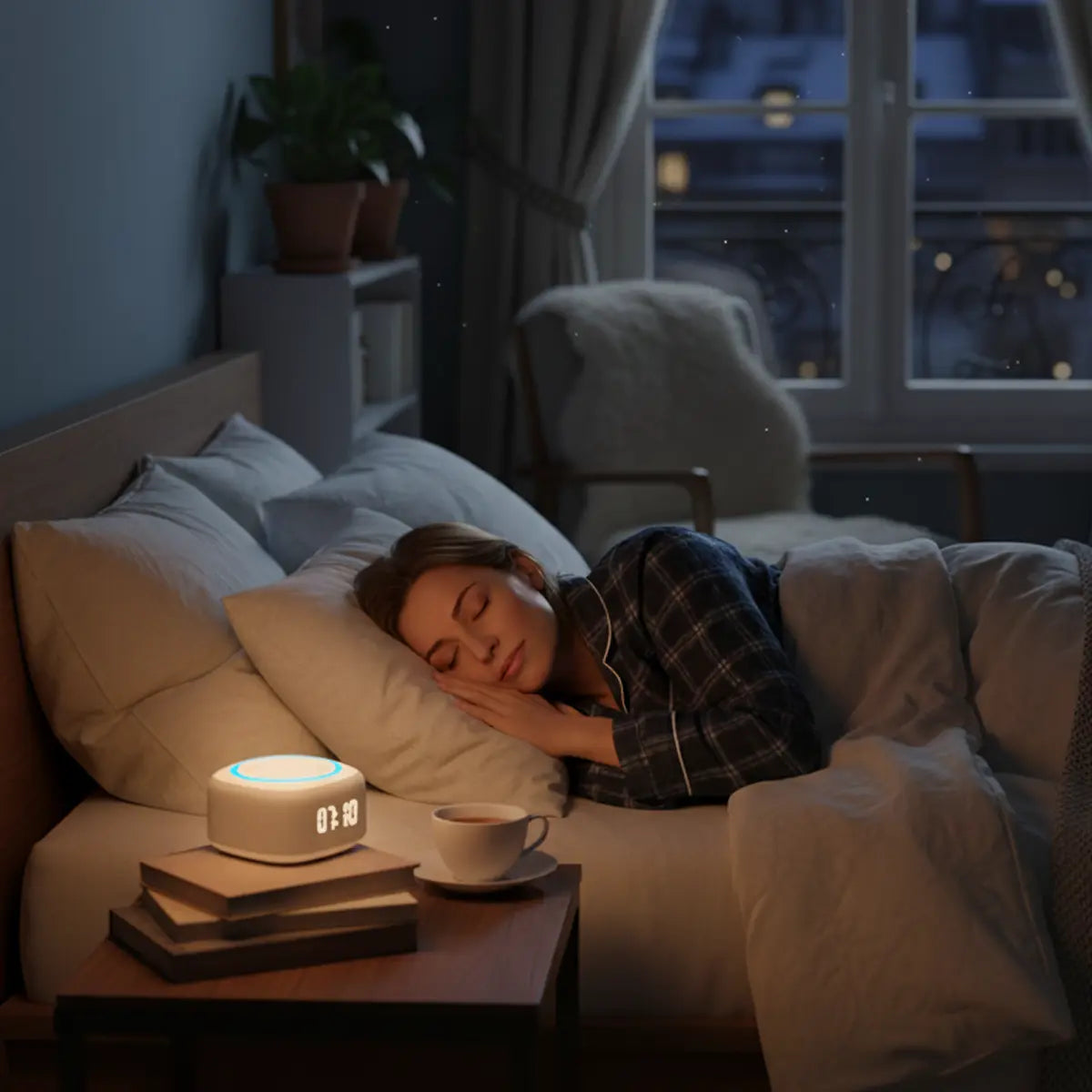
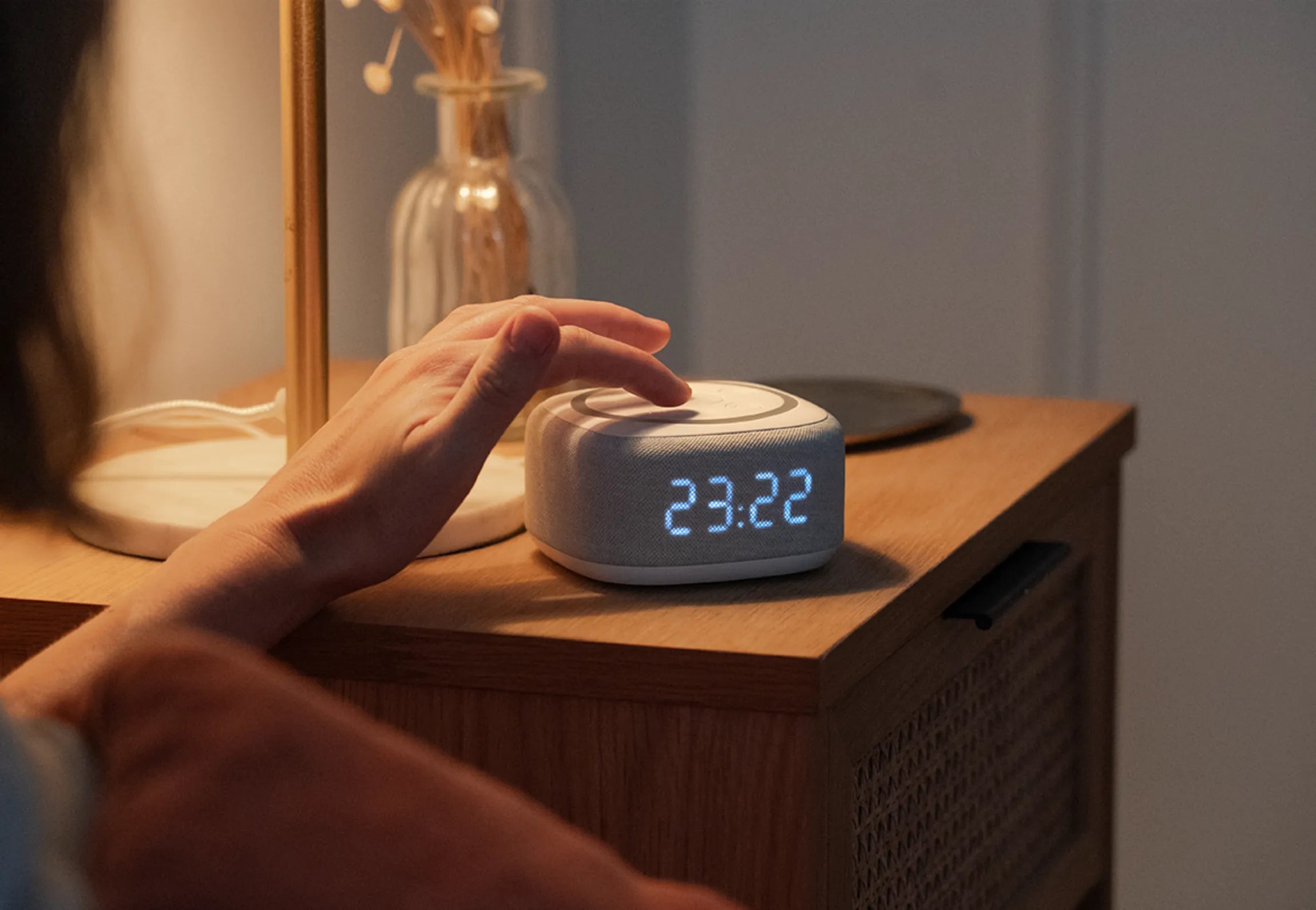
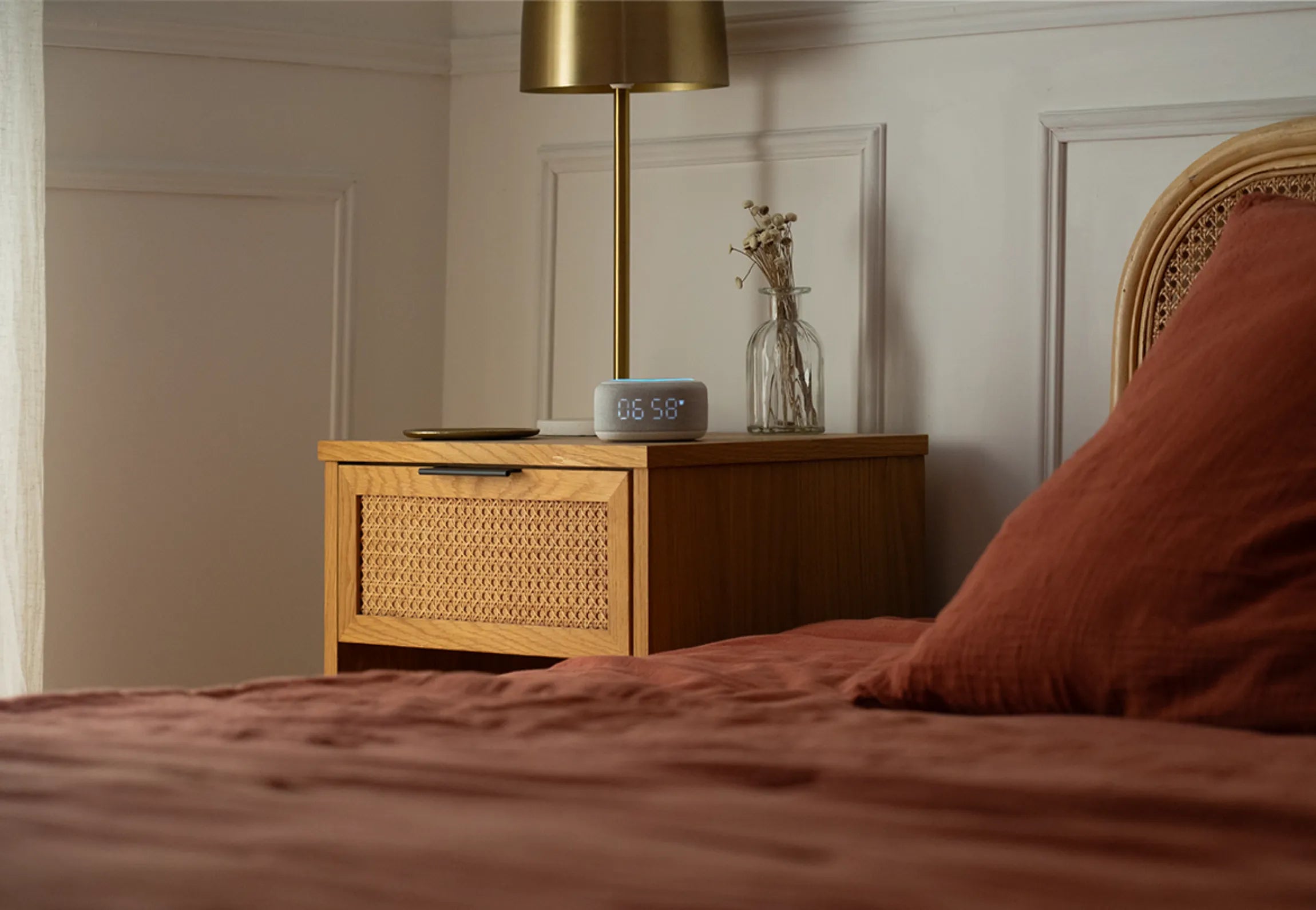
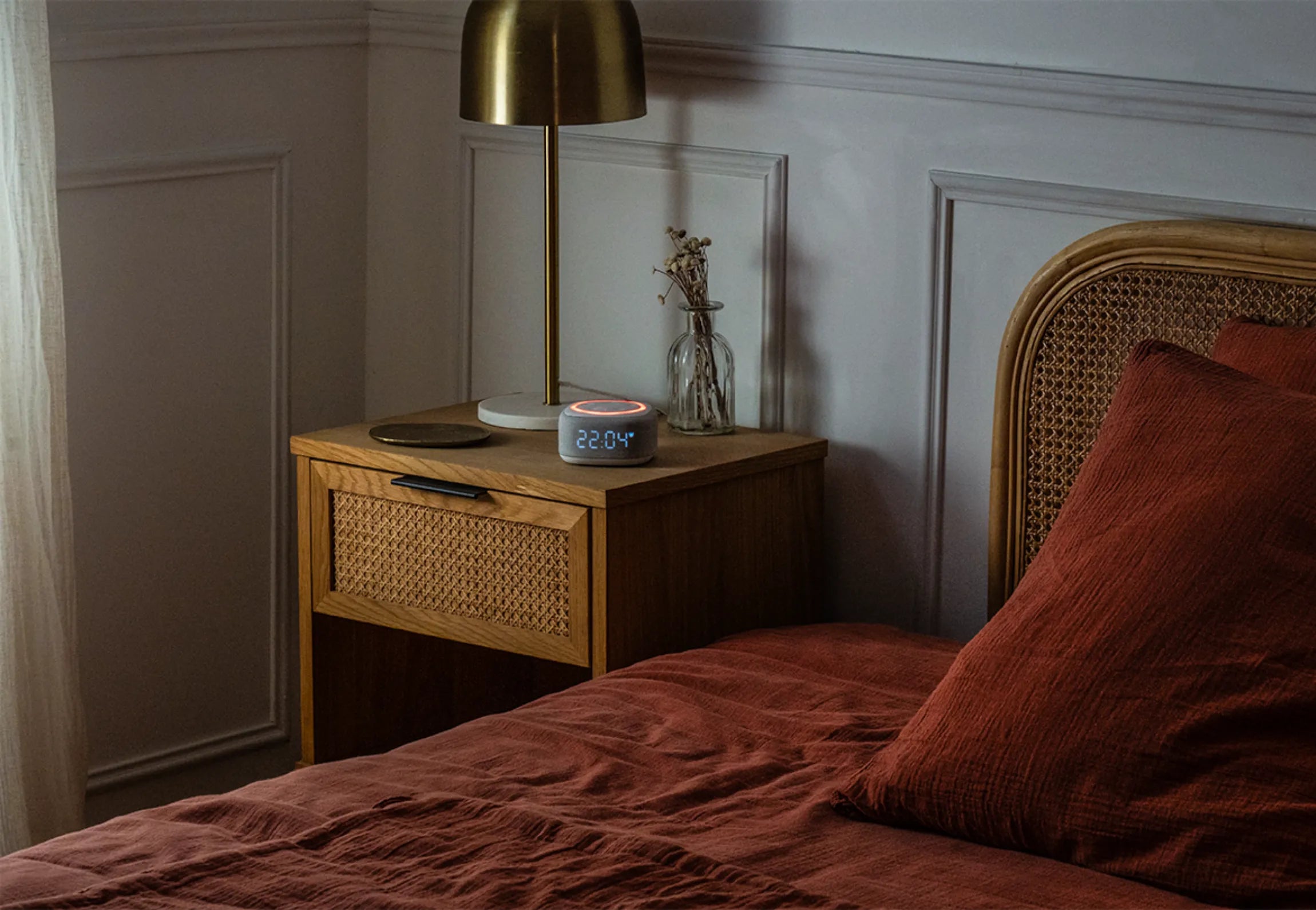
The alarm clock comes with a USB-C cable and a power adapter for connection. Please connect the device on both sides, then place it near your sleeping area? A 5-hour battery is included to prevent possible power outages.
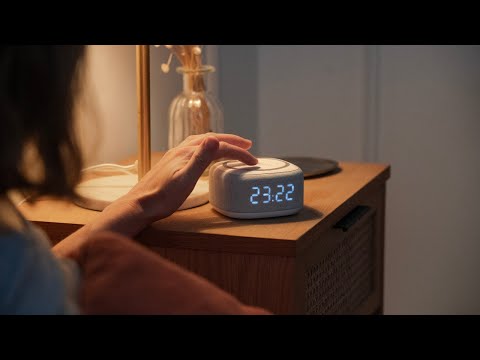
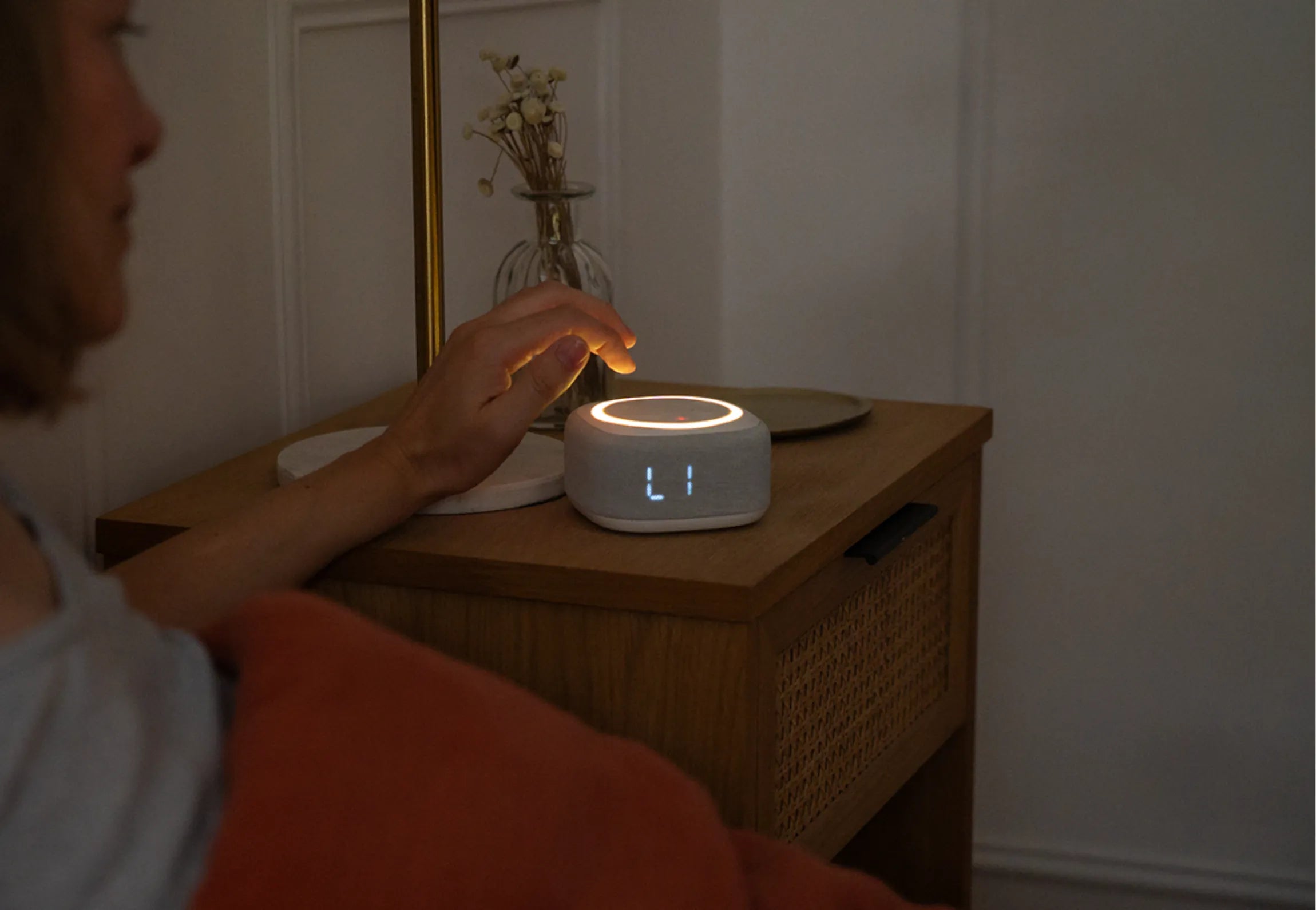
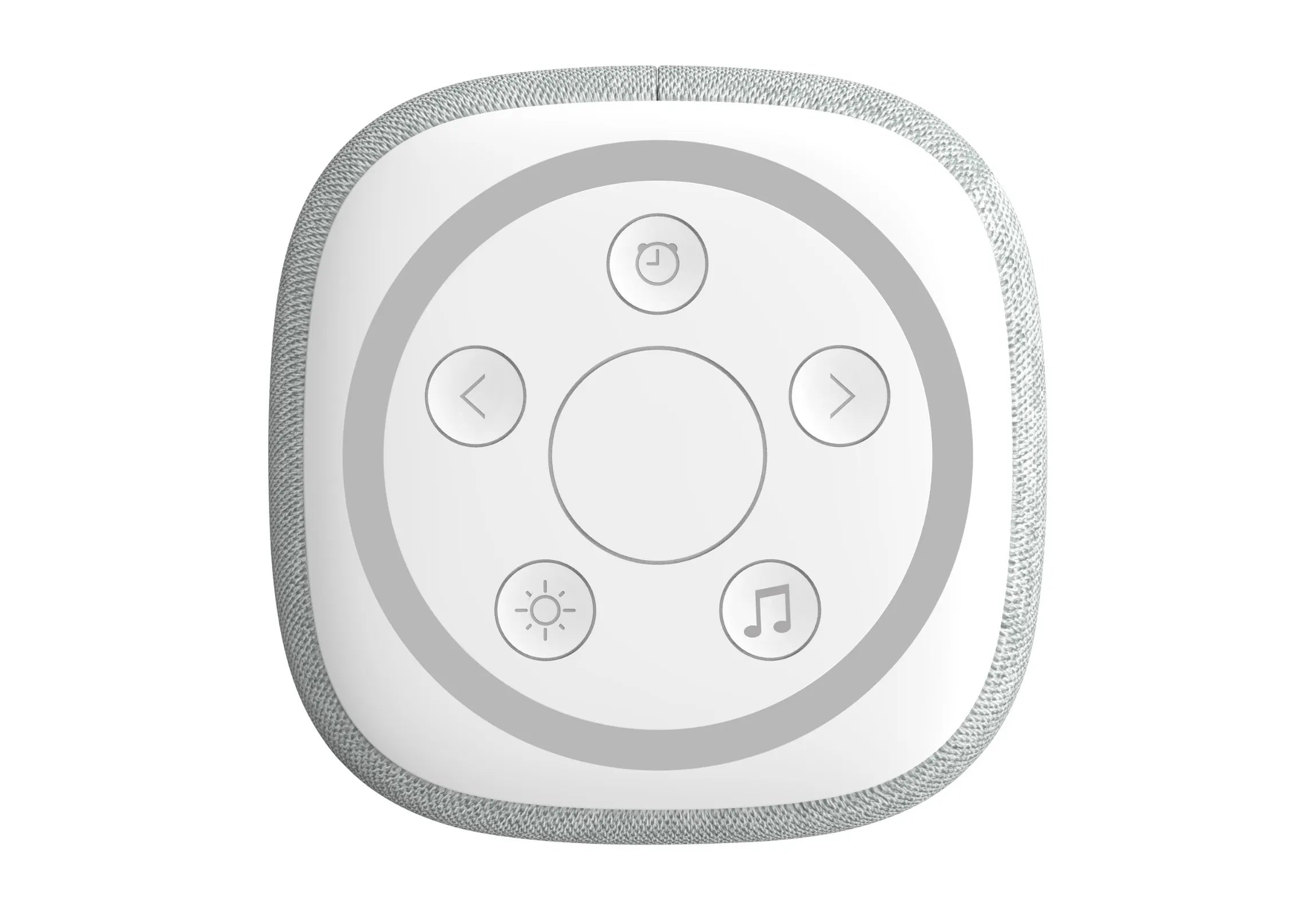
To turn the device on or off, press and hold the center button for 2 seconds.
When the device turns off, music is played.
Good to know: personalized settings (time, sounds, brightness, etc.) are retained if you turn off the device and in this case the alarms will be automatically deactivated.
First use and time setting:
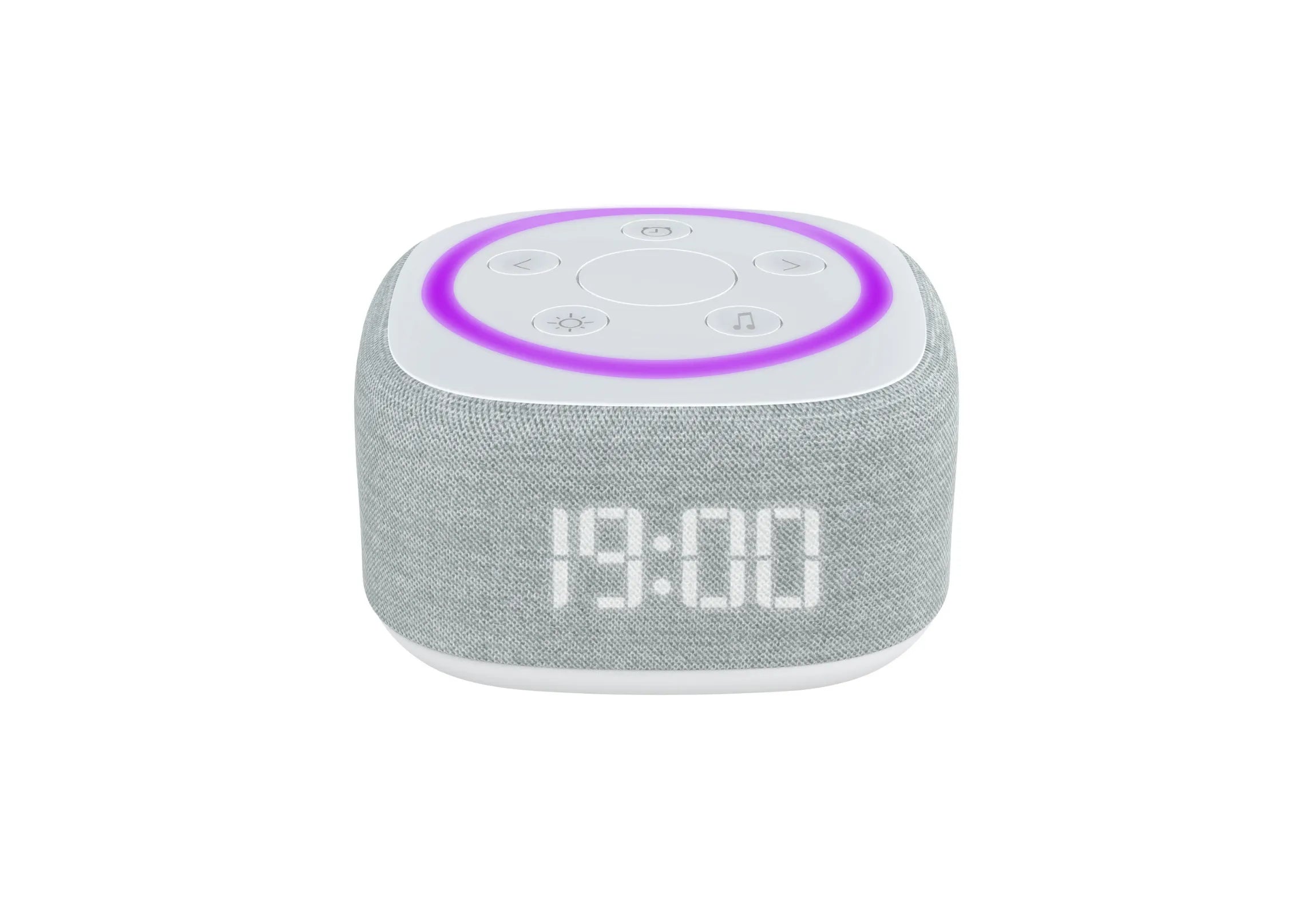
When first started, the screen flashes and displays 00:00, indicating that the time needs to be set.
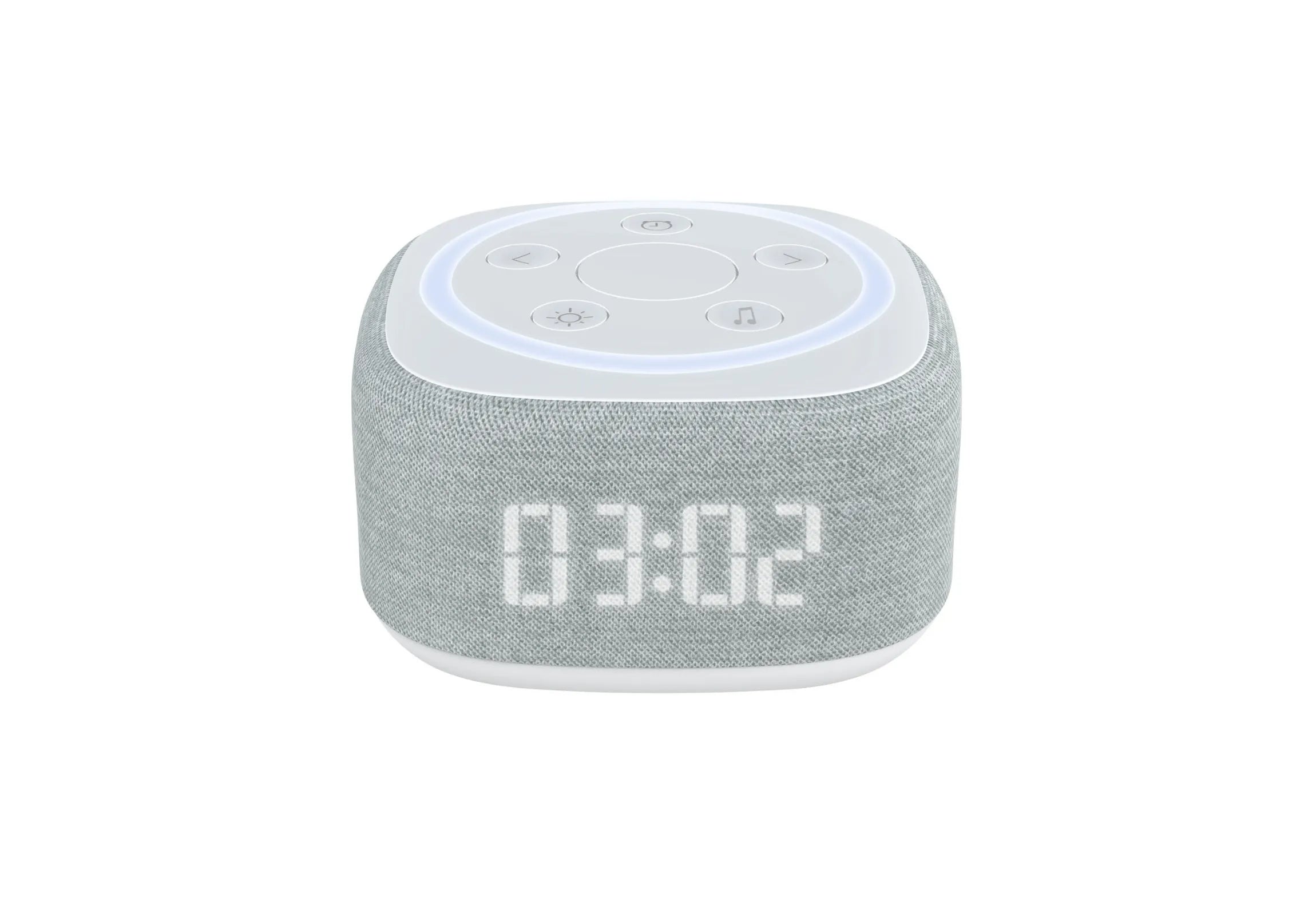
Press the Clock button for 2 seconds, then use the arrows to select the desired hour. Once the correct hour is displayed, briefly press the Clock button to move on to setting the minutes, proceeding in the same way. To confirm the time, press the Clock button again for 2 seconds, or simply leave the device idle for 5 seconds.
Good to know: if you connect the device via Bluetooth to your phone, the time will synchronize automatically.
Good to know: The display brightness is adjustable. Press the center button twice to change the intensity.
Setting the alarm function:
Two alarm clocks can be programmed and activated separately or simultaneously.
For each program, you can customize:
1. Wake-up time
2. The sound broadcast
3. Sound intensity
4. The duration of the dawn simulator
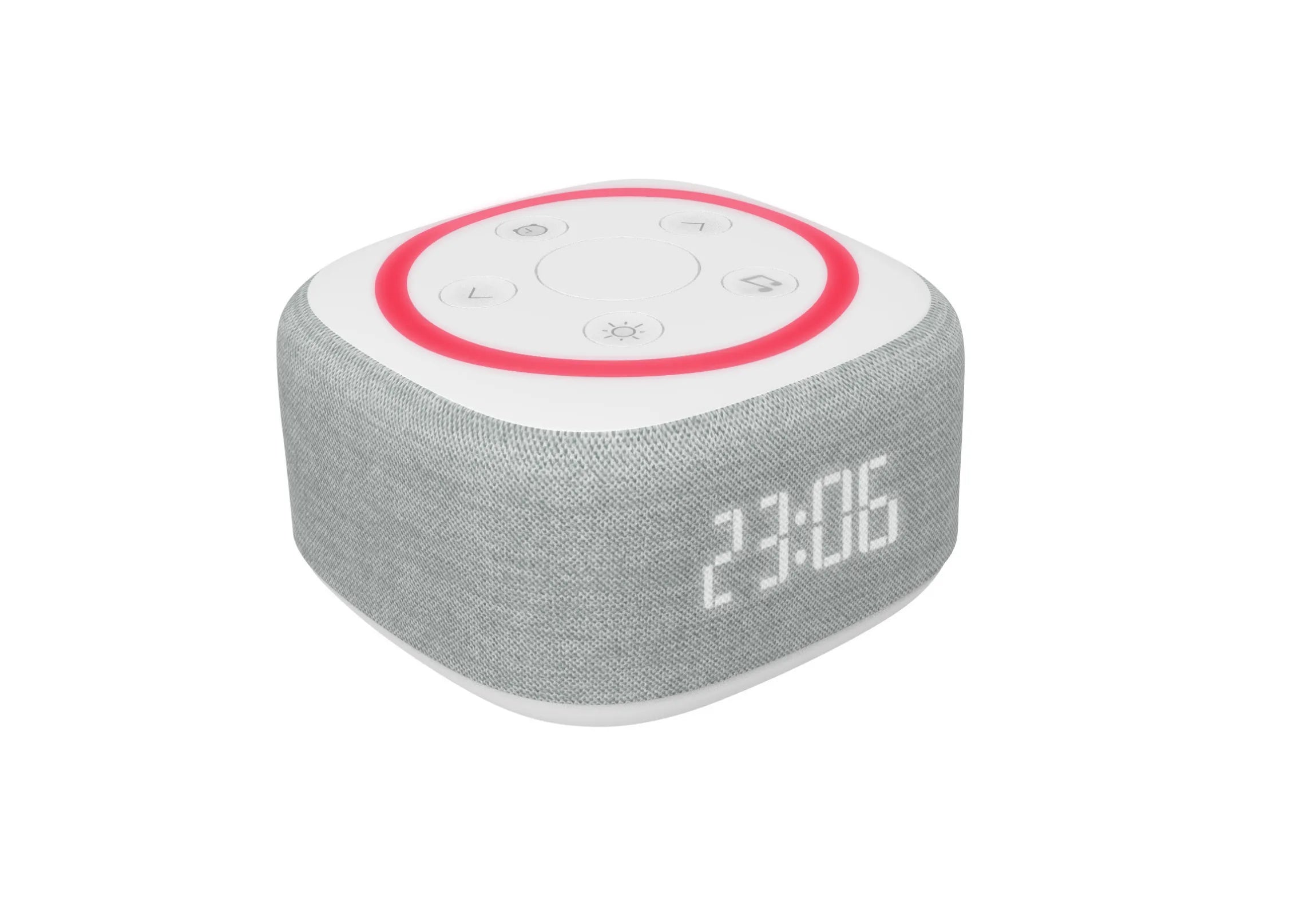
To begin, press the Alarm button until the corresponding symbol appears on the screen. Then, hold this button for two seconds to access the time setting, which you can adjust using the arrows. Once the time is set, confirm it to automatically move on to the sound selection. Scroll through the available sounds using the arrows, then choose the sound intensity by holding the corresponding arrow once you have selected your preferred sound. After confirming the sound, you can set the duration of the dawn simulator. Use the arrows to choose between 5, 10, or 20 minutes, depending on your preference.
Snooze mode allows you to postpone the alarm for 10 minutes by double-clicking the central button.
Light programs:
Access 4 lighting moods, customizable according to your desires:
1. Sunset
2. Cardiac coherence
3. Ambient lighting
4. Night light
Press the Sun button to activate a light program. The different programs cycle through each other in the predefined order above, each time you press it. To access the different colors, once in the Mood Light program, press and hold the Sun button until the desired color appears on the screen. The program duration can also be adjusted. To do this, press and hold the Music button for two seconds, then select the desired duration when it appears.
Musical programs:
Access 3 audio modes, customizable according to your desires:
1. Sounds of nature
2. Relaxing music
3. Music streaming
Press the Music Note button to display the available programs and navigate between the 3. Once the program is chosen, you can select the sound or melody using the arrows. Once a program is selected, you can choose a sound or melody using the directional arrows. The program duration is also customizable: press and hold the Music button for two seconds, then select the desired duration when it appears on the screen.
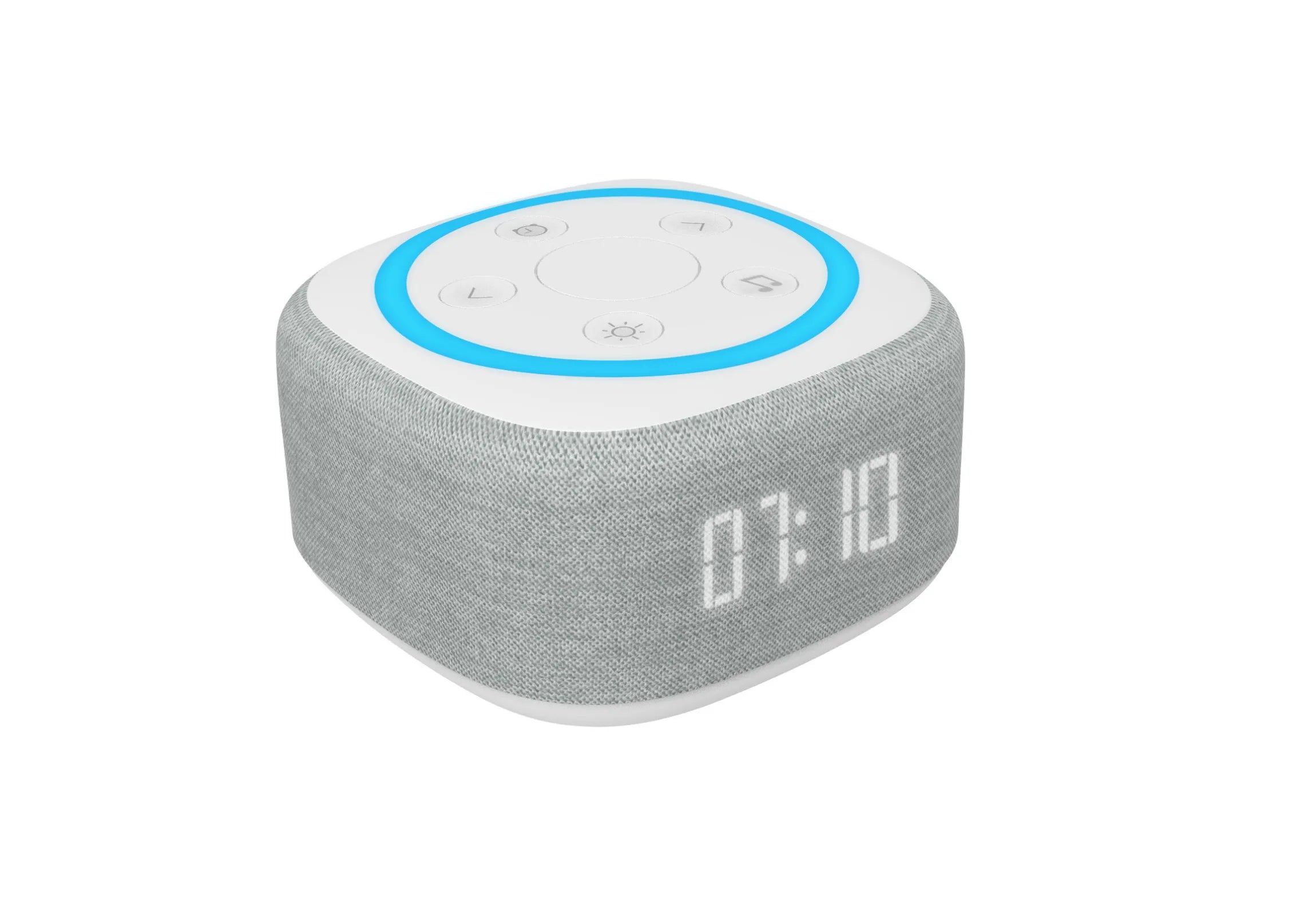
Bluetooth Pairing: When the program is selected, the BT symbol appears in blue on the screen. At this point, connect your device via Bluetooth. A beep will confirm that the pairing has been successful.
The light and music programs are customizable and can therefore be used simultaneously using the same settings mentioned above.